Disclosure: This content is reader-supported, which means if you click on some of our links that we may earn a commission. Think back to the last time you saw one of those giant, clunky fax machines sitting around. It’s probably been a while, right? While that old-school hardware is undoubtedly outdated, faxing isn’t dead by …
MICROMINE | Software Engineer | Perth, Western Australia |Full-Time | Onsite MICROMINE is a an established, growing, global company that creates cutting edge software solutions utilised by some of the world’s largest Mining companies. You will be working on a wide range of projects, extending the Micromine software suite by developing new and extending existing …
Disclosure: This content is reader-supported, which means if you click on some of our links that we may earn a commission.
Think back to the last time you saw one of those giant, clunky fax machines sitting around.
It’s probably been a while, right? While that old-school hardware is undoubtedly outdated, faxing isn’t dead by any means.
It’s actually very much alive. But thankfully, we have better technology.
The best online fax services make sending secure communications via fax a breeze for individuals and businesses of all sizes with no ugly, expensive, or finicky hardware required.
However, there are dozens of providers to choose from, which is why making the right choice is often more challenging than actually using the service. So to help make your decision easier, I narrowed it down to my top six recommendations—and reviewed them.
The top 6 options for online fax services
mFax – best online fax services for multiple users
Biscom 123 – most affordable online faxing service
How to choose the best online fax service for you
There are dozens of online fax service providers to choose from. This makes it challenging to know which one’s perfect for your business, especially if you’re not quite sure what to look for.
All of the options on this list are excellent. However, they may not work for everyone.
So, don’t forget to use the following factors as you go through the decision-making process to help you narrow things down and find the perfect fit.
Number of users
As a business, you probably need multiple user accounts. Different services have different pricing plans, so it’s essential to consider the number of accounts you need.
Some options may limit the number of users with no way around it. Others may offer extra user accounts with an additional monthly fee. So, this plays a massive role in how much you can expect to pay every month.
With that said, most smaller businesses won’t have problems with account limitations.
But large corporations with multiple departments who need faxing capabilities may run into problems with low-limit plans.
Cloud-storage integrations
Most businesses rely on cloud storage tools. Whether you depend on Microsoft 365 or Google’s G Suite, your employees probably use these tools daily to create and archive documents.
So, it’s important to consider these integrations if you and your team need to store documents you send or receive via online fax.
This can help streamline your document management processes.
Page limits
Most providers charge an extra fee if you go over the number of pages your plan includes. So, you need to consider your business’s needs when it comes to monthly fax volume.
A lot of providers place low limits on this to encourage you to upgrade to a better plan.
So it’s critical to choose a plan that offers enough pages per month along with a fair page overage fee (just in case). However, online fax services with unlimited plans are a better option for businesses that expect to send and receive high volumes every month.
Document archiving
If you’re using an online fax service to send and automatically digitize documents, it should come with document archiving as well. This can significantly streamline and automate your document management processes.
Some online fax services provide online databases so users can easily store faxed documents. However, some don’t, and others don’t provide archiving features at all. Without this, you have to print, scan, and store everything by hand.
Which… can be an incredibly time-consuming process.
So, pay close attention to this as you decide, especially if it’s something you need now or may need in the future.
Industry-specific use
There are lots of different all-purpose online fax services out there. However, sometimes particular providers are more suited to specific industries.
Healthcare is an excellent example of this because you’re dealing with sensitive information and legal regulations regarding how you handle it. So, you need a service that’s secure and compliant with those requirements.
However, healthcare isn’t the only industry like this. As such, it’s critical to consider your industry’s requirements and regulations before making your final decision.
The different types of online fax services
Not all online fax services are the same.
So, before we dive into the reviews, let’s talk about the different types of online fax services so you know exactly what to look for as you go through the process.
Web or cloud-based services
The most common online fax services are cloud or browser-based. All you have to do to get started is create an account, and you’re ready to go.
Web-based fax services are known for high-quality faxes as well as ease of use.
And they often offer a wide range of cloud-based integrations with platforms like G Suite and Dropbox, making life easier if you want to archive your communications on the cloud.
Mobile fax services
Mobile fax services allow users to fax directly from their smartphones. Essentially, mobile faxing is as convenient and as easy as snapping a photo.
Plus, you don’t have to wait until you’re at your computer or rely on team members sitting in front of a desktop to send and receive communications.
Some providers may also support desktop or web-based use, while others are exclusively mobile.
So, keep this in mind as you decide which provider is best for you and your team.
#1 – mFax Review – Best online fax services for multiple users
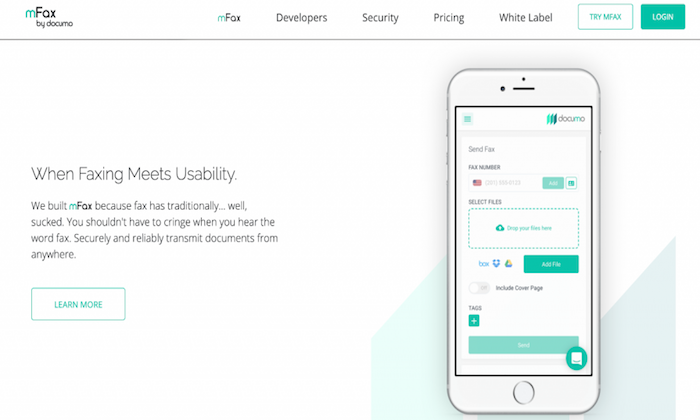
mFax is one of the most flexible and adaptable online fax services for businesses with numerous team members. Their flexible monthly plans allow up to 50 individuals to use the service.
Operating as cloud software, there’s no need to install or download any programs. And you can easily access the mFax interface from any web browser on any device.
With an easy-to-use interface and intuitive setup, it’s an excellent option for those looking to get started with their first online fax service.
mFax comes with various features and benefits, including:
Automatic cloud storage for sent and received faxes
Works from any device
Send and receive faxes from email
Multi-layered encryption for documents in transit and rest
Plans for small businesses and large enterprises
Easy to create and manage users and set account-level permissions
Print to Fax driver allows you to send a fax from a desktop to print
mFax also has a beta version of international outbound fax for 24 countries. So, you’re not limited to one particular country.
Plans start at $7 per month for one user, making it super affordable for businesses of all sizes. Plus, you can try mFax for free or sign up for a product demo to learn more about it.
#2 – RingCentral Fax Review – Best all-in-one online fax service
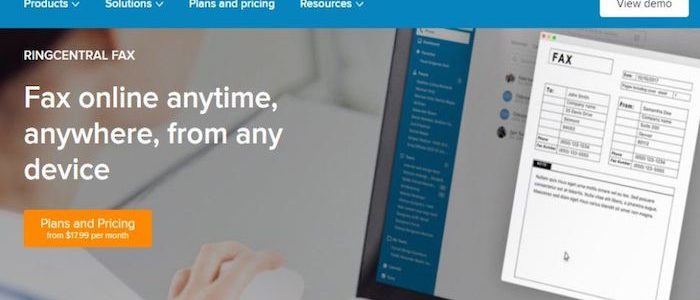
RingCentral Fax is another popular online fax service. With a solid feature list, flexible user numbers, and robust security suite, it’s my #1 all-in-one online fax service recommendation.
Their unique fax scheduling feature makes it easy to send faxes for future delivery. This is particularly useful if you need to send international faxes to users in other timezones or have employees who don’t work standard operating hours.
On top of that, you also get access to a ton of powerful features and benefits, including:
Groups of up to 50 email addresses to send faxes in one message
Choose from toll-free or local fax numbers
IOS and Android mobile applications
Up to 200 faxes in an online account
Create an electronic signature and add it to documents
View received and sent faxes online via a web browser
Securely transmit faxes over an encrypted internet connection
Send and receive faxes from any device
Block faxes without a caller ID
RingCentral Fax is a great all-around option for small and large businesses who won’t mind the slightly limited online fax storage (you can always store them elsewhere).
Plans start at $17.99 a month, and there’s an unlimited plan for just $24.99 a month.
#3 – HelloFax Review – Best online fax services for cloud-storage integration
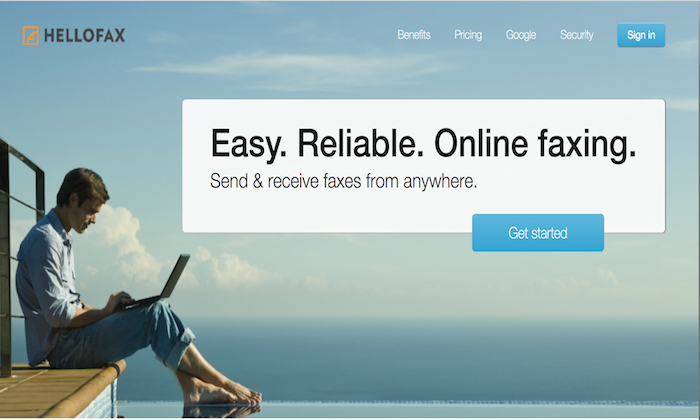
HelloFax is the best online fax service for integrated cloud storage.
The service seamlessly syncs with G Suite, OneDrive, Dropbox, and Box. Users can also access their faxes directly on the HelloFax’s service from any web browser on any device.
Plus, it’s super easy to use. Faxes arrive directly to inboxes as a PDF where they are easily viewable, downloadable, and shareable.
There’s also unlimited storage for businesses that prefer not to use other cloud storage providers for their faxes.
With HelloFax, you can:
Send up to five pages for free by signing up
Quickly fax to previously entered fax numbers
Additional faxes that go over the monthly limit are just 5 cents per page
Send faxes by email
Add and remove users at no extra cost
Send faxes to multiple recipients
Receive faxes with a paid plan
Sign in using your Google credentials
Despite having cloud integration with multiple platforms, HelloFax still offers unlimited storage, which is excellent for businesses planning on sending or receiving high-volume communications.
There’s a free plan for up to 5 faxes per month, so you can try it free before you invest. However, most businesses need more than that, and you’ll need to upgrade once you reach that limit.
But their paid plans are affordable, starting at $9.99 per month.
#4 – SRFax Review – Most secure online fax services
SRFax is a great option for businesses that have high-security concerns. Transferring information over the internet always comes with the risk of interception.
And for specific industries like healthcare, security is even more paramount.
Healthcare providers rely on faxing to transfer sensitive patient data. So, the fax services they use must comply with the Health Insurance Portability and Accountability Act (HIPAA).
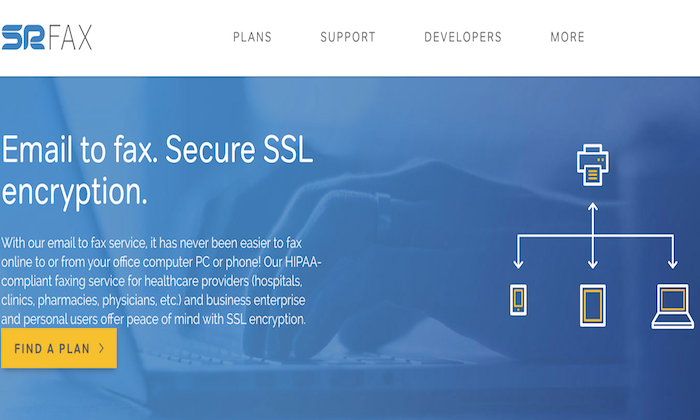
SRFax provides multiple layers of data encryption while maintaining a user-friendly interface, making it an excellent choice for high-security industries.
In addition to HIPAA compliant fax services, SRFax has multiple tiers and plans suited to all security levels and sizes of businesses.
They also offer a variety of features and benefits to make your life easier, including:
2048-bit SSL Certification, 2048-bit RSA public keys, and PGP encryption
24-hour customer support hotline
Plans come with unlimited authorized email addresses
Automatically download incoming faxes
Send faxes through an email account
Intuitive dashboard for viewing existing faxes, sending faxes, and changing settings
Send faxes through the online dashboard
For any company that prioritizes high-level security, SRFax is an excellent choice.
Pricing is affordable, with monthly plans starting at $3.29 per month. Or you can sign up for a non-healthcare specific 60-day trial to test it out before you commit.
#5 – FaxBurner Review – Best mobile online faxing service
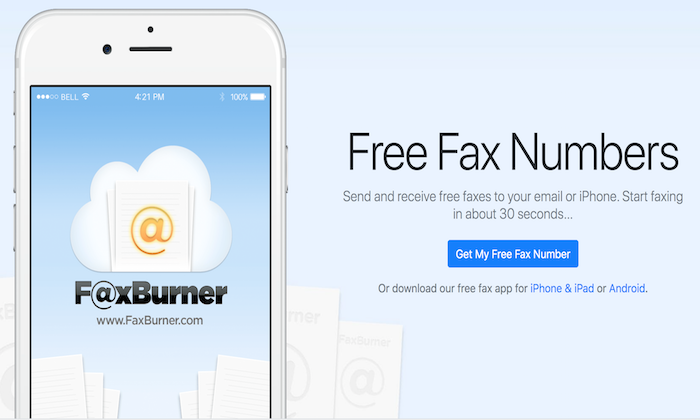
FaxBurner stands out from other online fax services for its well-designed, user-friendly IOS and Android apps. With FaxBurner, sending faxes is as easy as taking a picture, and you can receive them straight into your inbox.
Set up is quick and easy. Plus, the platform gives users a temporary fax number that expires after 24 hours without upgrading to a paid plan.
On top of that, you also get various features and benefits, including:
No unprofessional looking ads or watermarks on free faxes
Digitally document signatures
Create cover letters within the app
Integration with cloud storage apps like DropBox
Email to fax option
Phone scanning capabilities
For users who need the convenience and flexibility of a mobile-first fax application, FaxBurner is my number top recommendation.
Free packages provide up to 25 inbound faxes and five outbound faxes a month. And their paid plans start at just $12.95 a month, making it incredibly affordable for most users.
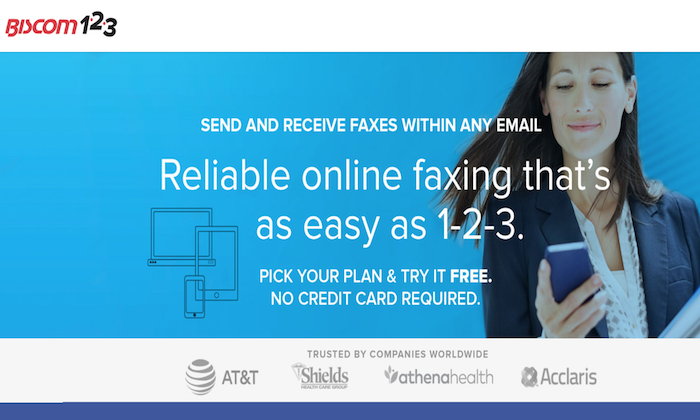
If your business is just looking to send the occasional fax, Biscom 123 is an incredibly affordable option. As a leading telecommunications enterprise, Biscom makes online faxing simple for both businesses and individuals with a straightforward interface.
You can also try it free for 30 days to see if it’s a good fit for your business, with no credit card required. However, it doesn’t maintain archival records of your communications. So, keep that in mind.
Depending on your faxing needs, Biscom 123 offers various plans that allow you to send up to 300 pages with support for multiple team members.
Plus, you can also:
Easily add up to four users in addition to the primary account holder
Send email faxes in just a few clicks
Fax from Android and IOS mobile applications
Integrate with Google Drive
Send multiple file formats and rich text formats for text faxes
Saves inbound PDF files in your email inbox
No limitation on file size or number of documents
Pricing starts at $7.99 per month. This entry-level plan includes 30 pages per month with a charge of 7 cents per additional page. So, it certainly won’t break the bank.
Summary
mFax and RingCentral are my top choices for most users. They’re incredibly affordable and accessible for most businesses. Plus, they come with a ton of features to make your life easier.
However, that doesn’t mean they’re suitable for everyone in every situation.
So, don’t forget to consider the factors we talked about and take advantage of free trials as you go through the process of picking the best online fax services for you and your team.
This website uses cookies to improve your experience. We'll assume you're ok with this, but you can opt-out if you wish.AcceptRejectRead More
Privacy & Cookies Policy
Privacy Overview
This website uses cookies to improve your experience while you navigate through the website. Out of these, the cookies that are categorized as necessary are stored on your browser as they are essential for the working of basic functionalities of the website. We also use third-party cookies that help us analyze and understand how you use this website. These cookies will be stored in your browser only with your consent. You also have the option to opt-out of these cookies. But opting out of some of these cookies may affect your browsing experience.
Necessary cookies are absolutely essential for the website to function properly. This category only includes cookies that ensures basic functionalities and security features of the website. These cookies do not store any personal information.
Any cookies that may not be particularly necessary for the website to function and is used specifically to collect user personal data via analytics, ads, other embedded contents are termed as non-necessary cookies. It is mandatory to procure user consent prior to running these cookies on your website.